Real-Time Document Status Tracking
The smartest way to monitor your agreements. Get an Overview of every file and never wonder where a contract stands again.
Start NowWhy Track Status with editplussign?
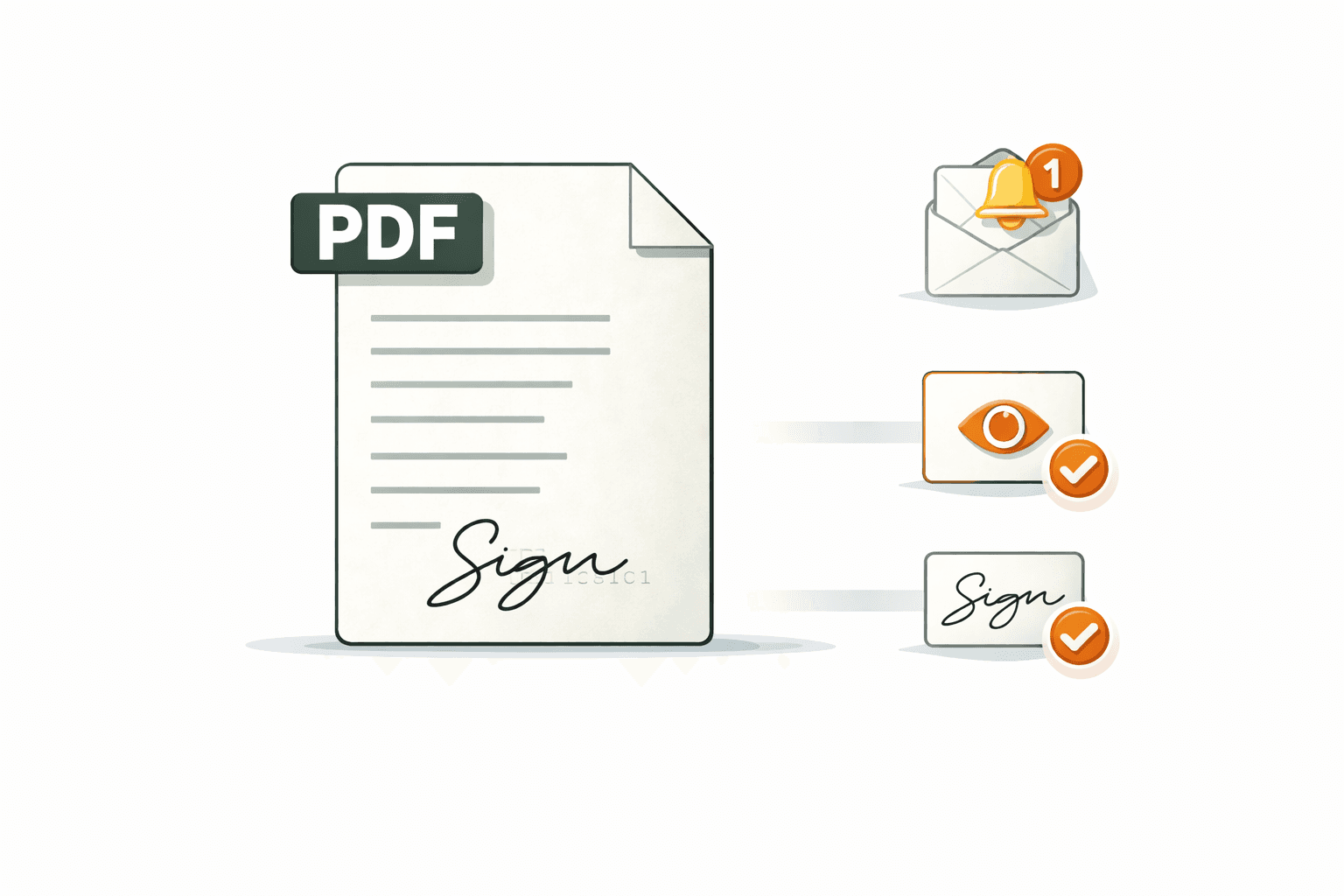
Eliminate the guesswork
Stop digging through sent folders to see if a client opened your email. Use our live dashboard to organize PDF workflows with granular data that tells you exactly who has interacted with your document and when.
Granular Progress Bars
See exactly which signers have completed their part and who is next in line.
Activity Timestamps
View a detailed log of every "Open," "View," and "Sign" event in real-time.
Smart Filtering
Quickly sort your documents by "Draft," "Pending," "Signed," or "Expired" to prioritize your day.
Instant Alerts
Receive push or email notifications the second a high-priority document reaches the finish line.
The Three-Step Workflow
Monitor
Visit your Status Tracking dashboard to see a live feed of all active documents.
Analyze
Click any file to see a detailed breakdown of the signer's progress and interaction history.
Resolve
Identify stalled files and trigger a reminder or move directly to your next secure e-sign task.
Always in the loop. Never in the dark.
"Did you get my email?"
Know exactly when documents are opened, read, and acted on.
Stalled deal cycles
Keep every agreement moving with automated nudges and clear next steps.
Manual tracking sheets
Every status update happens in real time, no spreadsheet needed.
Document anxiety
Full visibility from send to signature, so nothing ever feels uncertain.
Quick Answers
Everything you need to know about document monitoring.